
Relay Solutions: A Comprehensive Update to the AutoFeed Product
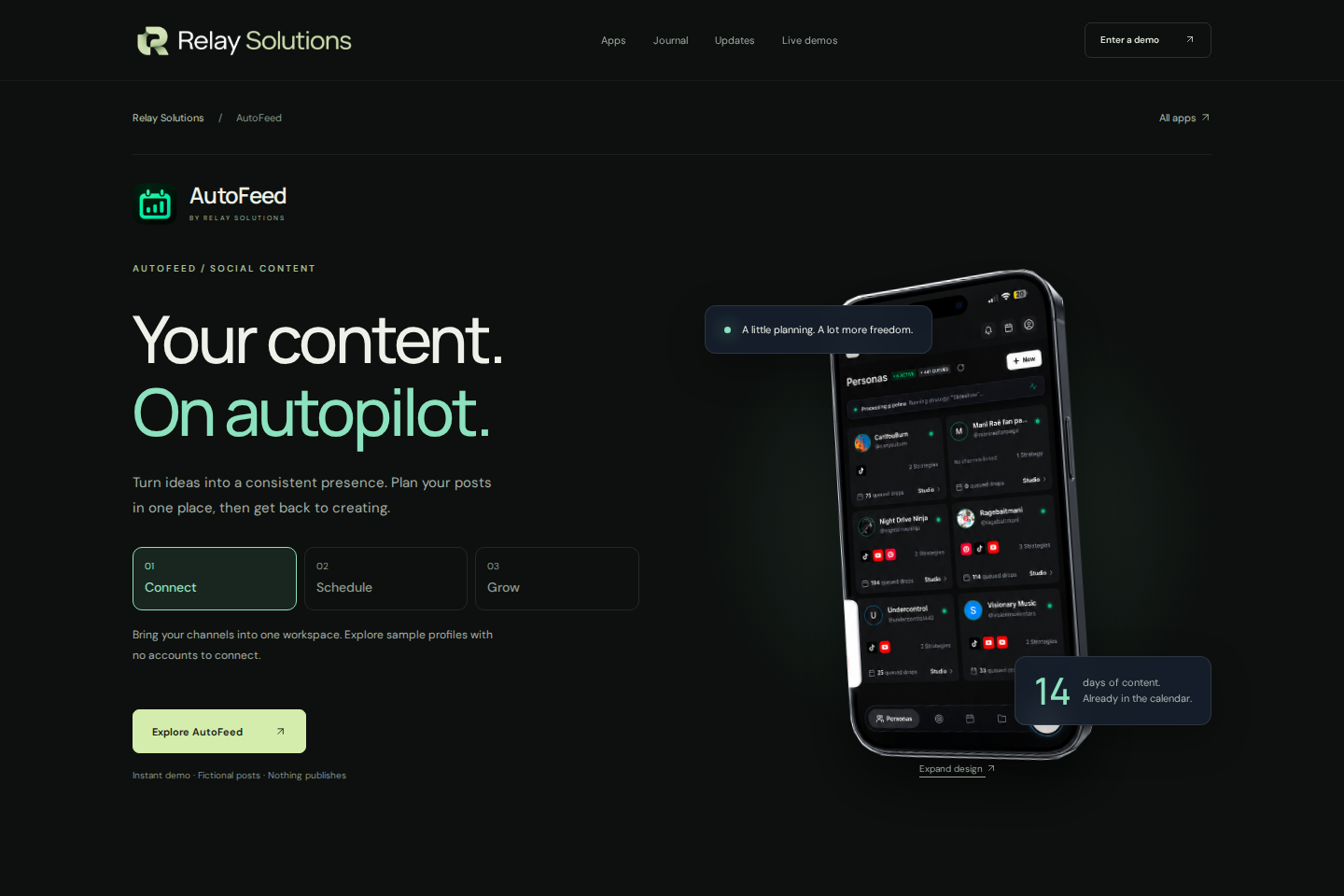
Relay Solutions has recently released an update to its AutoFeed product, enhancing its functionality and user experience. Key changes include removing the 'TikTok' option from the 'Target Platforms' (
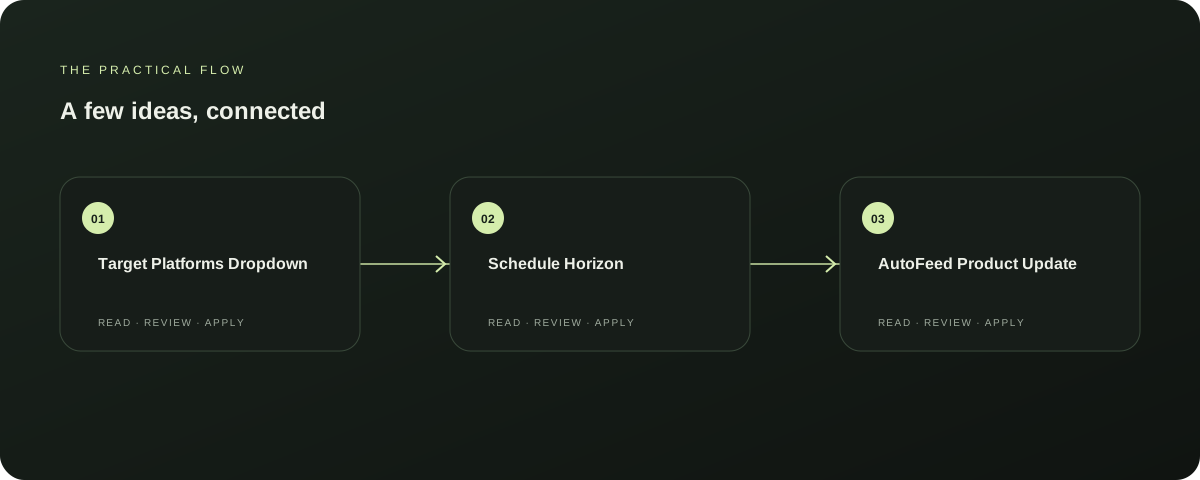
Target Platforms Dropdown
The 'Target Platforms' dropdown has been updated to include 'Instagram', 'Facebook', and 'X / Twitter' as additional options. This change broadens the platform reach for users looking to target their audience. Explore AutoFeed for a related Relay workflow. Further reading: Relay Solutions release notes: AutoFeed Product Update
Schedule Horizon
The 'Schedule Horizon' section has been modified to include '7, 14, 30' days as options. This adjustment allows users to set their feed schedules more precisely, catering to a wider range of posting needs. Further reading: Relay Solutions release notes: AutoFeed Product Update
AutoFeed Product Update
This update is part of a broader product update by Relay Solutions, aimed at enhancing the overall functionality and user experience of the AutoFeed product. The changes are designed to make the platform more versatile and user-friendly. Further reading: Relay Solutions release notes: AutoFeed Product Update
Next Steps
Users of the AutoFeed product should consider updating their settings to take advantage of the new options. This update is beneficial for those looking to expand their reach and tailor their content to specific platforms and schedules. Further reading: Relay Solutions release notes: AutoFeed Product Update
Limitations
While the changes are significant, users should be aware that the 'TikTok' option has been removed. This change may affect users who rely heavily on TikTok for their content targeting.
Explore this section
However, the updated options in the 'Target Platforms' dropdown and the 'Schedule Horizon' section should mitigate any potential issues. Further reading: Relay Solutions release notes: AutoFeed Product Update
Prepared with Qwen from the sources linked throughout this guide. Follow the citations to review original material.
Sources & further reading
Explore the original guidance and research behind this article.
Put the idea into practice.
Explore AutoFeed, or take a look inside a sample workspace.