
Relay Updates: Streamlined Text Durations and Improved User Experience
Relay Solutions has released a series of updates that enhance the user interface and improve text duration management. Key changes include replacing TextDuration controls with TextTiming components, a
TextDuration Controls Replaced with TextTiming Component
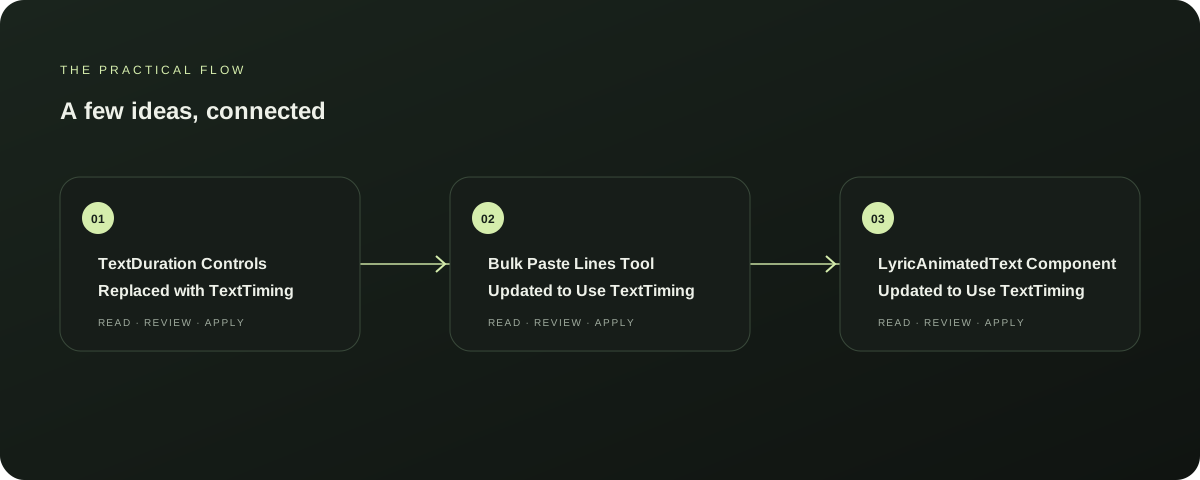
Earlier, Relay Solutions users had to manually adjust TextDuration controls for text duration. Now, these controls have been replaced with the TextTiming component, making the process more streamlined and user-friendly.
Explore this section
This update is available in all supported apps. Further reading: Relay Solutions release notes: User-visible changes supported by this deployed UI diff
Bulk Paste Lines Tool Updated to Use TextTiming
The Bulk Paste Lines Tool, a feature for quickly pasting multiple lines of text, has been updated to utilize the TextTiming component for improved text duration management. This change ensures that the text pasted will maintain consistent durations, enhancing the overall user experience. Further reading: Relay Solutions release notes: User-visible changes supported by this deployed UI diff
LyricAnimatedText Component Updated to Use TextTiming
The LyricAnimatedText component, used for displaying animated text, has been updated to use the TextTiming component for more precise and consistent text duration management. This update is beneficial for users who require precise timing in their animated text displays. Further reading: Relay Solutions release notes: User-visible changes supported by this deployed UI diff
AtmosphereControls Component Updated to Use TextTiming
The AtmosphereControls component, used for controlling the atmosphere of a text, has been updated to use the TextTiming component for improved text duration management. This update ensures that the text duration is consistent across different scenes, enhancing the overall user experience. Further reading: Relay Solutions release notes: User-visible changes supported by this deployed UI diff
LyricMotion Settings Updated to Use TextTiming
The LyricMotion settings, used for controlling the motion of text, have been updated to use the TextTiming component for more precise and consistent text duration management. This update is beneficial for users who require precise timing in their text motion settings, ensuring that the text moves smoothly and consistently. Further reading: Relay Solutions release notes: User-visible changes supported by this deployed UI diff
Prepared with Qwen from the sources linked throughout this guide. Follow the citations to review original material.
Sources & further reading
Explore the original guidance and research behind this article.
Put the idea into practice.
Explore AutoFeed, or take a look inside a sample workspace.