
Relay Solutions: A Product Update for Video Source Step Duration
Relay Solutions has introduced a significant update to its video source functionality, enhancing user experience and flexibility. This update includes changes to the display of video source step times
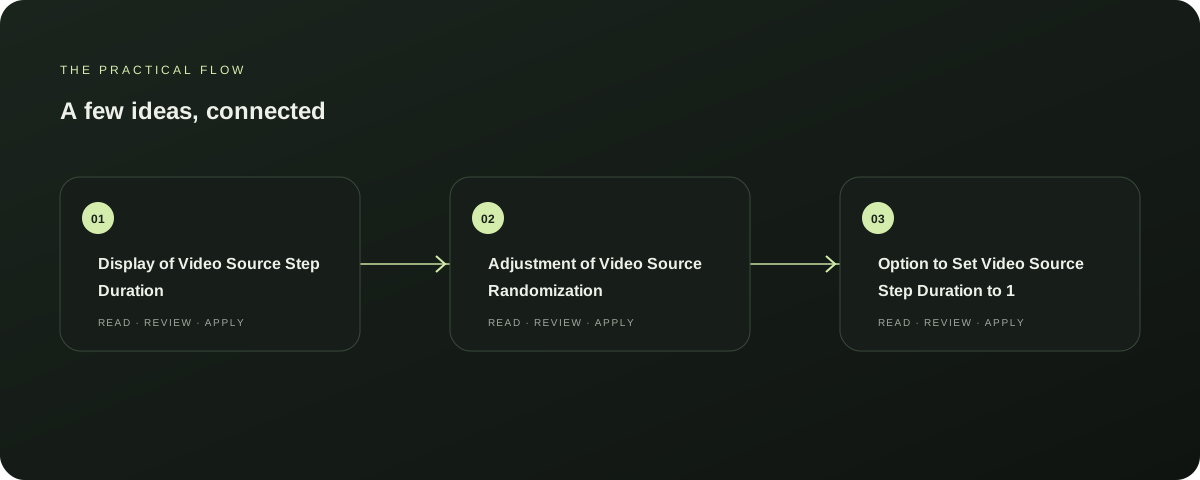
Display of Video Source Step Duration
The video source step duration is now clearly displayed, providing users with immediate feedback on the time each step takes. This change enhances transparency and helps users better understand the workflow and optimize their settings. Explore AutoFeed for a related Relay workflow. Further reading: Relay Solutions release notes: User-Visible Changes
Adjustment of Video Source Randomization
Relay Solutions has also introduced a feature that randomizes video source steps based on the duration of each step. This adjustment ensures a more varied and engaging experience, reducing the risk of repetitive steps and improving overall user satisfaction. Further reading: Relay Solutions release notes: User-Visible Changes
Option to Set Video Source Step Duration to 1
Users now have the option to set the video source step duration to 1, simplifying the process and making it easier to adjust the duration based on their specific needs. This feature is particularly useful for those who prefer a more straightforward workflow. Further reading: Relay Solutions release notes: User-Visible Changes
Next Steps
This update is available immediately and can be accessed through the Relay Solutions app. Users can now adjust the video source step duration, randomize steps based on duration, and set the duration to 1 for a more straightforward workflow.
Explore this section
Relay Solutions continues to prioritize user experience and flexibility. Further reading: Relay Solutions release notes: User-Visible Changes
Limitations
While this update enhances the user experience, it is important to note that the exact impact on performance and efficiency is not documented. Users should expect a smoother and more intuitive interface, but any performance improvements are not guaranteed. Further reading: Relay Solutions release notes: User-Visible Changes
Prepared with Qwen from the sources linked throughout this guide. Follow the citations to review original material.
Sources & further reading
Explore the original guidance and research behind this article.
Put the idea into practice.
Explore AutoFeed, or take a look inside a sample workspace.