
All news & insights
Relay Solutions · 3 min read

Relay Solutions: Streamlined User Interface Enhancements

Relay Solutions has introduced a series of updates to its user interface, focusing on accessibility and functionality. The platform dropdown has been replaced with a grid-based layout, making it more铎
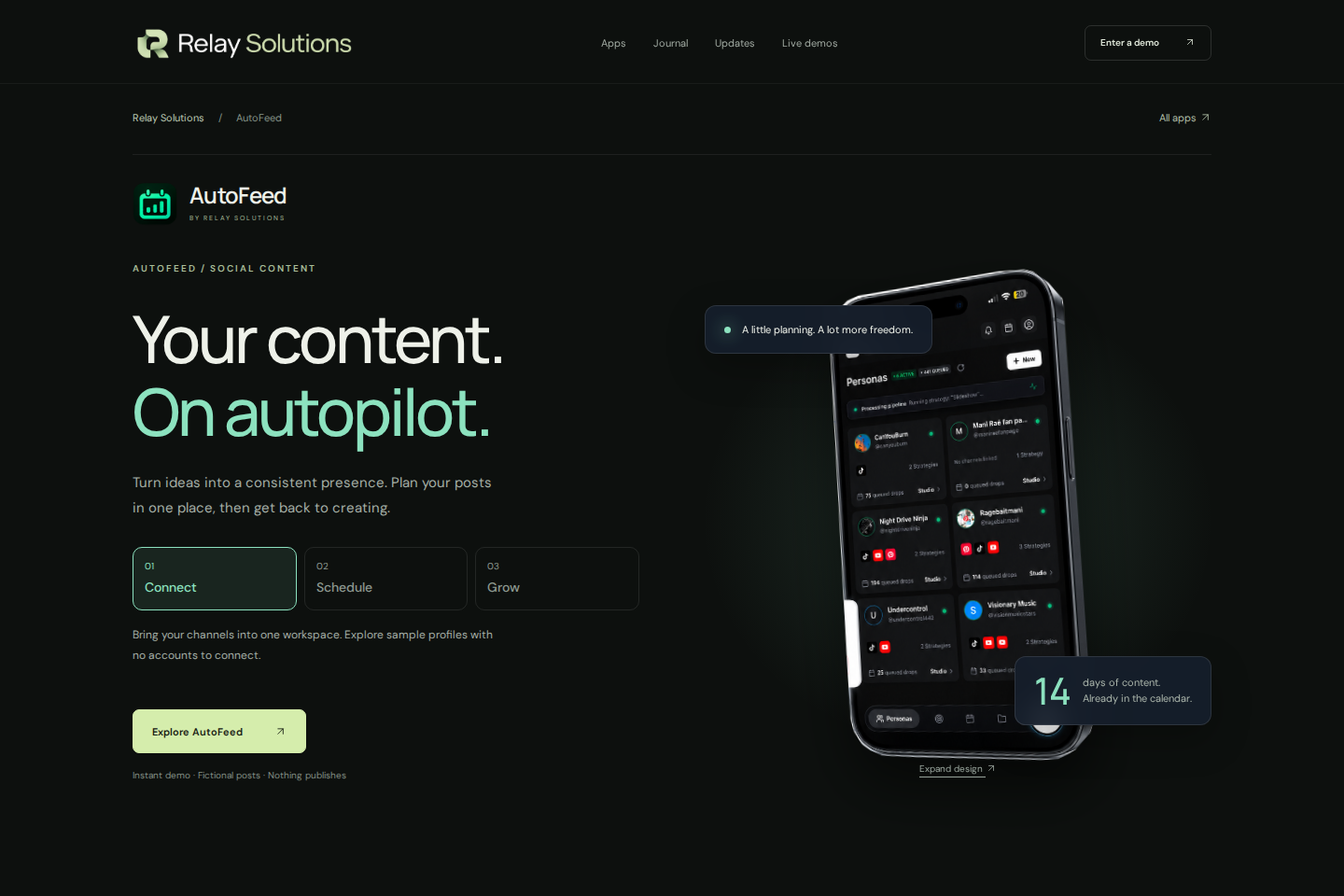
Screenshot of AutoFeed — Relay Solutions
Screenshot: AutoFeed — Relay Solutions · View source page
IN THIS GUIDE
Read at your own pace
01

Grid-Based Layout

The platform dropdown has been replaced with a grid-based layout, enhancing user navigation and improving accessibility. This change ensures a more intuitive interface, making it easier for users to select their preferred platform without confusion. Explore AutoFeed for a related Relay workflow. Further reading: Relay Solutions release notes: User-Visible Changes

02

Aria-Pressed State

Platform selection now includes the aria-pressed state, providing better accessibility and user interaction. This feature allows users to easily identify and interact with selected platforms, ensuring a smoother user experience. Further reading: Relay Solutions release notes: User-Visible Changes

03

Button Click Events

Button click events now include the aria-pressed state, improving user interaction and ensuring that users can easily confirm their selections. This change enhances the overall usability of the platform selection process. Further reading: Relay Solutions release notes: User-Visible Changes
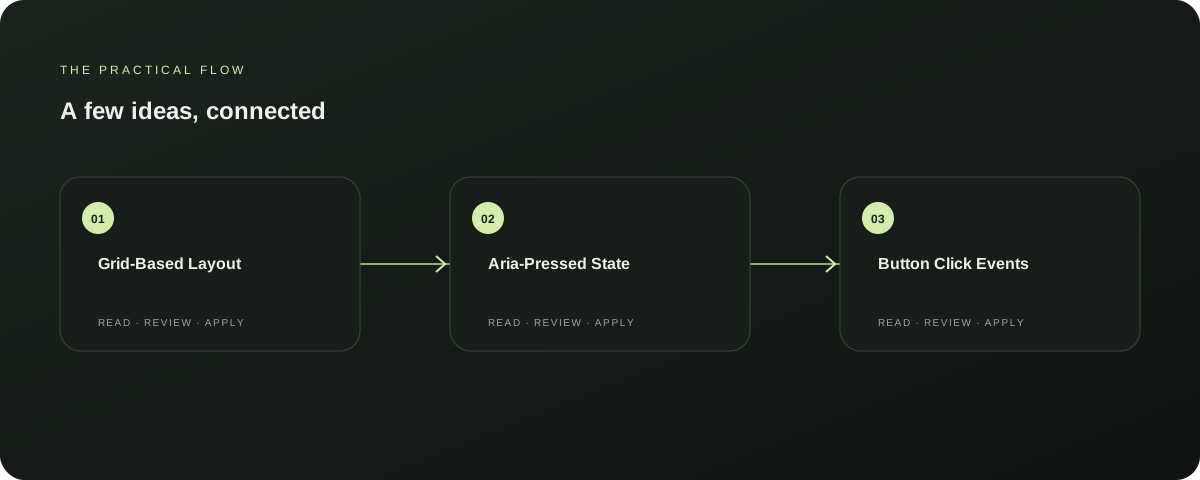
Three steps in this guide: Grid-Based Layout; Aria-Pressed State; Button Click Events
A quick map of the ideas in this section.
04

Next Steps

These updates are available in the latest version of Relay Solutions. To benefit from these improvements, users should update their application to the latest version.

Explore this section

This update is expected to enhance the overall user experience and accessibility of the platform selection process. Further reading: Relay Solutions release notes: User-Visible Changes

05

Source-Documented Behaviour

The changes described above are documented and supported by the Relay Solutions release notes. These updates are designed to improve the user interface and accessibility of the platform selection process, ensuring a more efficient and user-friendly experience. Further reading: Relay Solutions release notes: User-Visible Changes

Prepared with Qwen from the sources linked throughout this guide. Follow the citations to review original material.

Related guide: Relay Solutions: Enhancing Lyrics Display with Advanced Features.

Sources & further reading

Explore the original guidance and research behind this article.

Try it yourself

Put the idea into practice.

Explore AutoFeed, or take a look inside a sample workspace.

Explore AutoFeed
Learn more about AutoFeed

Keep exploring

Relay Solutions: Enhancing Lyrics Display with Advanced Features Relay Updates: Streamlined Text Durations and Improved User Experience Relay Solutions: Enhancing Strategy Deployment with New UI Components Relay Solutions: Enhancing Your Music Listening Experience Relay Solutions: Enhancing Visual Effects with LayerEffectOverlay Relay Solutions: A Comprehensive Update to the AutoFeed Product Relay Solutions: A Product Update for Enhanced Performance and User Experience Relay Updates: Enhancing Your Content Discovery with YouTube and TikTok Sources Relay Solutions: Enhancing Text Editing with StudioTextSettings and StrategyTextEditor Relay Solutions: Enhancements for Better Lyrics Management Relay Solutions: Enhancing User Experience with Mobile-First Design Relay Updates: Enhancing Sourcing and Video Alignment Relay Updates: Enhancing Strategy Verification & Schedule Assignment Relay Solutions: Enhancing Your Editing Experience with New UI Buttons Relay Updates Music Preferences: A Product Enhancement Relay Solutions: AutoFeed Product Update - Enhancing Text Customization Relay Solutions: Enhancing AutoFeed with Account-Specific Storage Limitations Relay: Streamlined Video Management with Enhanced Video Source Options Relay Solutions: A Product Update for Video Source Step Duration Relay Updates: Enhancing Your Experience with New Features AutoFeed vs Hootsuite: Which Social Media Management Tool is Right for You? Relay Solutions: Deployed UI Changes for Enhanced User Experience Relay Solutions: Enhancing Catalog Organization with AutoFeed Updates Relay Solutions: AutoFeed Product Update Relay Updates: Enhancing User Interaction with Canvas Tap Selection AutoFeed Mobile UI Update Streamlines On‑the‑Go Content Creation Postiz alternatives: a persona-first workflow with AutoFeed Inside the Relay demo: explore useful software safely AI in social content: keep the workflow, disclose the source AI and SEO: automate the research, not the usefulness