
Relay Solutions: Enhancing Visual Effects with LayerEffectOverlay
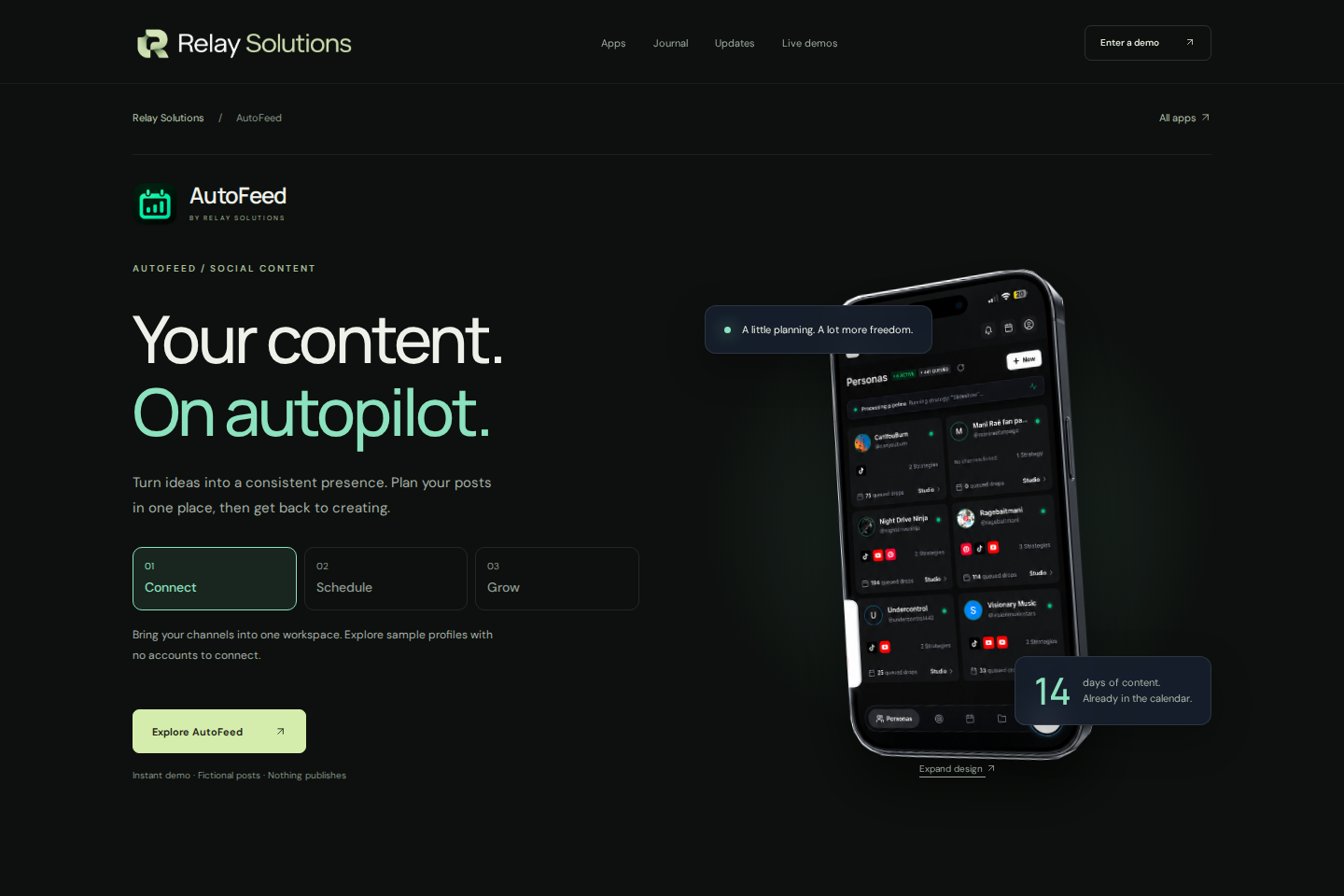
Relay Solutions has updated its AutoFeed app with LayerEffectOverlay, enhancing visual effects and improving filtering accuracy.
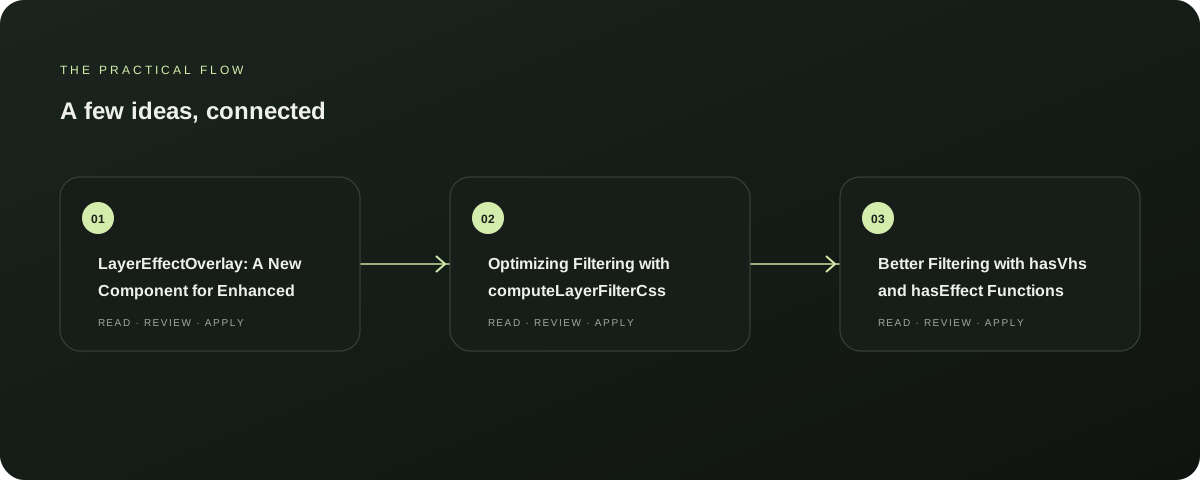
LayerEffectOverlay: A New Component for Enhanced Visual Effects
Relay Solutions has introduced LayerEffectOverlay, a new component designed to add visual effects to your content. This update not only enhances the aesthetic appeal of your feed but also improves the accuracy of visual effects, making your feed more engaging and visually appealing.
Explore this section
The introduction of LayerEffectOverlay is a significant step in the evolution of Relay Solutions's AutoFeed app, ensuring that your feed remains at the forefront of the modern social media landscape. Further reading: Relay Solutions release notes: AutoFeed Product Update
Optimizing Filtering with computeLayerFilterCss
The computeFilterCss update in Relay Solutions's AutoFeed app has been refined to use computeLayerFilterCss for more accurate filtering. This improvement ensures that your feed remains clean and organized, with a focus on visual effects and filtering logic.
Explore this section
By leveraging LayerEffectOverlay, Relay Solutions has further enhanced the app's ability to deliver a seamless and visually appealing feed. Further reading: Relay Solutions release notes: AutoFeed Product Update
Better Filtering with hasVhs and hasEffect Functions
Introducing hasVhs and hasEffect functions in Relay Solutions's AutoFeed app has led to improved filtering logic. These functions help in identifying and filtering out unwanted content, ensuring that only the most relevant and visually appealing content remains.
Explore this section
This update is a testament to Relay Solutions's commitment to providing the best possible user experience, making your feed more efficient and effective. Further reading: Relay Solutions release notes: AutoFeed Product Update
Next Steps: Enhance Your Feed with LayerEffectOverlay
To fully leverage the benefits of LayerEffectOverlay, consider the following next steps: 1. Install the latest version of Relay Solutions's AutoFeed app.
Explore this section
2. Explore the LayerEffectOverlay component to add visual effects to your feed.
3. Experiment with hasVhs and hasEffect functions to refine your filtering logic.
By following these steps, you can enhance your feed's visual appeal and improve the overall user experience. Further reading: Relay Solutions release notes: AutoFeed Product Update
Limitations and Considerations
While LayerEffectOverlay and the computeFilterCss update offer significant improvements, there are some limitations to consider. The app's performance may slightly decrease in the short term due to the update.
Explore this section
Additionally, LayerEffectOverlay and hasEffect functions may not work seamlessly with all types of content, ensuring a smooth transition to the new features. Further reading: Relay Solutions release notes: AutoFeed Product Update
Prepared with Qwen from the sources linked throughout this guide. Follow the citations to review original material.
Sources & further reading
Explore the original guidance and research behind this article.
Put the idea into practice.
Explore AutoFeed, or take a look inside a sample workspace.