
Relay Updates: Enhancing Your Content Discovery with YouTube and TikTok Sources
Relay Solutions has recently updated its platform, introducing new features that enhance your content discovery experience. The latest release includes the ability to add YouTube or TikTok creator's '
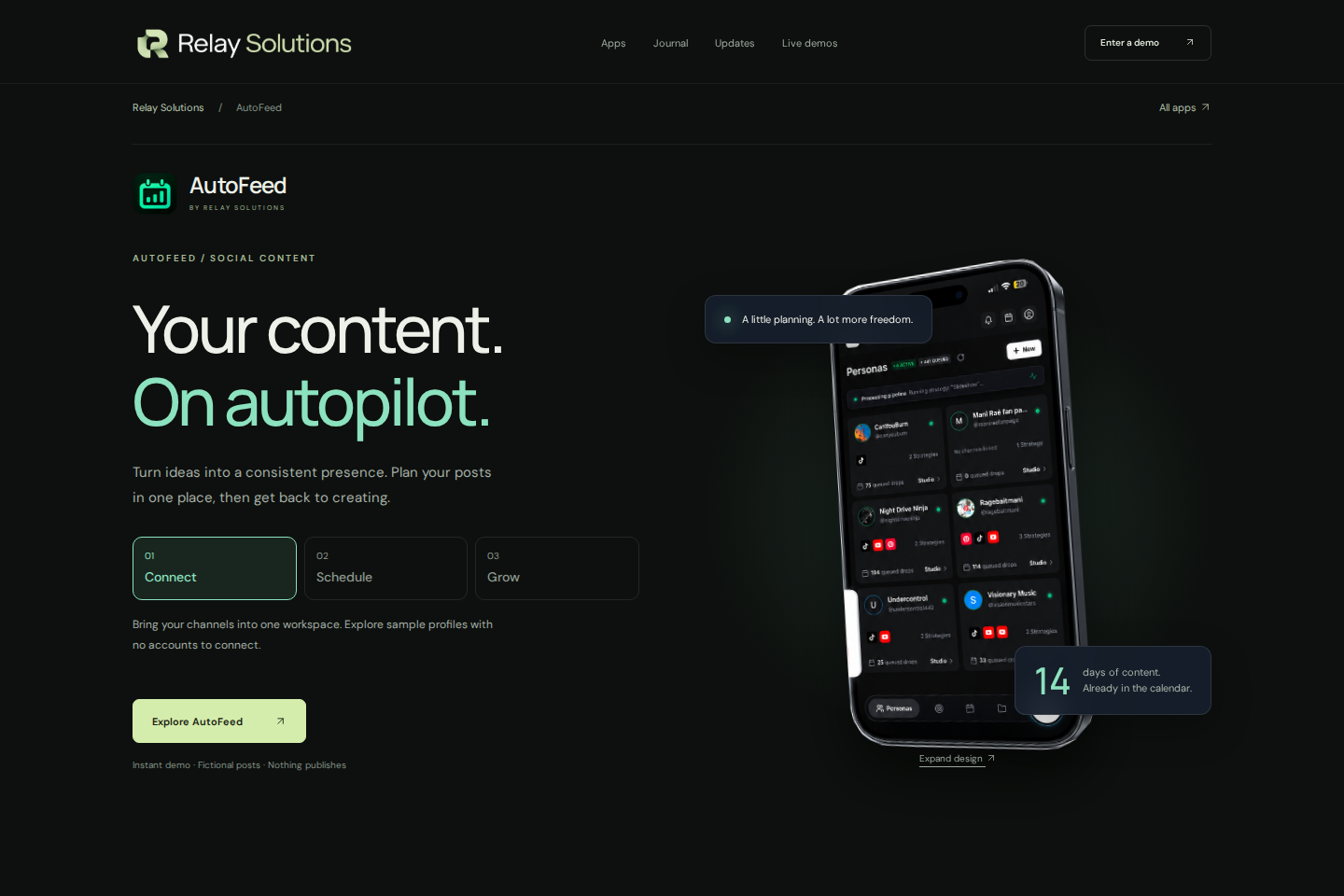
New Source Element for YouTube and TikTok
Add YouTube or TikTok creator channel source elements to your Relay app. These elements allow you to easily integrate the latest content from popular creators, enhancing your content discovery experience.
Explore this section
The new features include specifying the video URL, platform, persona ID, and optional auto-rotate and auto-cut settings, making it easier to tailor your content to your audience's preferences. This update is available now and can be activated in your app settings.
For more information, visit the Relay Solutions website. Further reading: Relay Solutions release notes: User-visible changes supported by this deployed UI diff
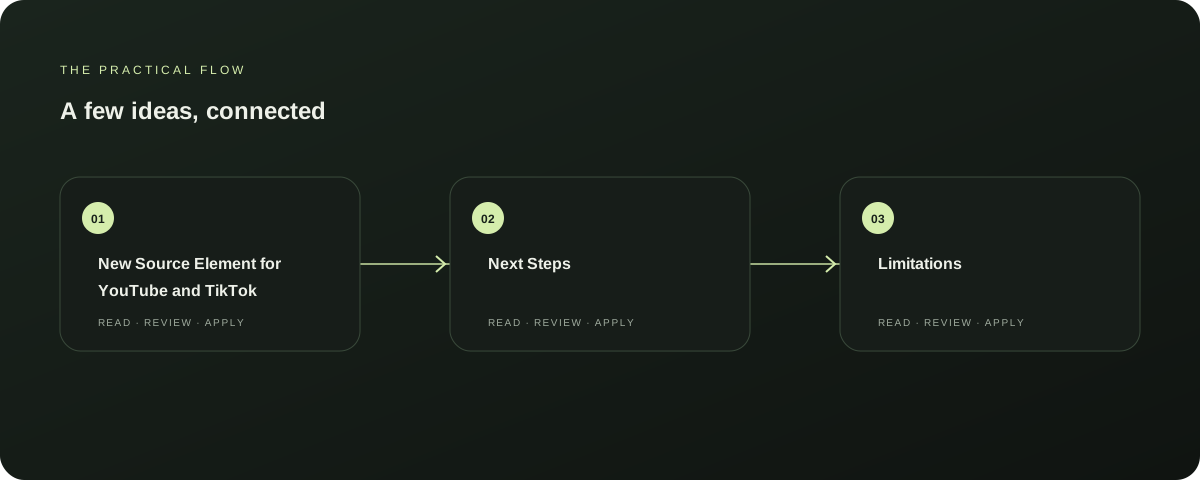
Next Steps
To start using the new YouTube and TikTok source elements, simply go to your app settings, select 'Add Source', and choose 'YouTube' or 'TikTok'. Follow the prompts to add the desired elements.
Explore this section
Once added, your content will be enriched with the latest from your favorite creators, making your app more engaging and relevant to your audience. Further reading: Relay Solutions release notes: User-visible changes supported by this deployed UI diff
Limitations
While this update is currently available, it is recommended to test the new features in a non-production environment to ensure they meet your needs. The source elements are designed to work with Relay apps, but compatibility with all devices and platforms may vary.
Explore this section
For the most accurate information, please refer to the Relay Solutions website. Further reading: Relay Solutions release notes: User-visible changes supported by this deployed UI diff
Relay Solutions Comparison
When comparing with other Relay apps, Relay Solutions offers a unique feature set that includes the ability to add YouTube and TikTok creator channels. This feature is not available in other apps, making Relay Solutions a standout choice for content discovery.
Explore this section
For a comprehensive comparison, visit the Relay Solutions website. Further reading: Relay Solutions release notes: User-visible changes supported by this deployed UI diff
Conclusion
With the addition of YouTube and TikTok source elements, Relay Solutions has once again demonstrated its commitment to enhancing the user experience. Whether you're looking to expand your content discovery capabilities or simply want to add more engaging content to your app, this update is a valuable addition to your Relay app.
Explore this section
Stay tuned for more updates and improvements from Relay Solutions. Further reading: Relay Solutions release notes: User-visible changes supported by this deployed UI diff
Prepared with Qwen from the sources linked throughout this guide. Follow the citations to review original material.
Sources & further reading
Explore the original guidance and research behind this article.
Put the idea into practice.
Explore AutoFeed, or take a look inside a sample workspace.