
Relay Updates Music Preferences: A Product Enhancement
Relay Solutions has updated its user interface to enhance the music preferences feature, making it more reliable and user-friendly.
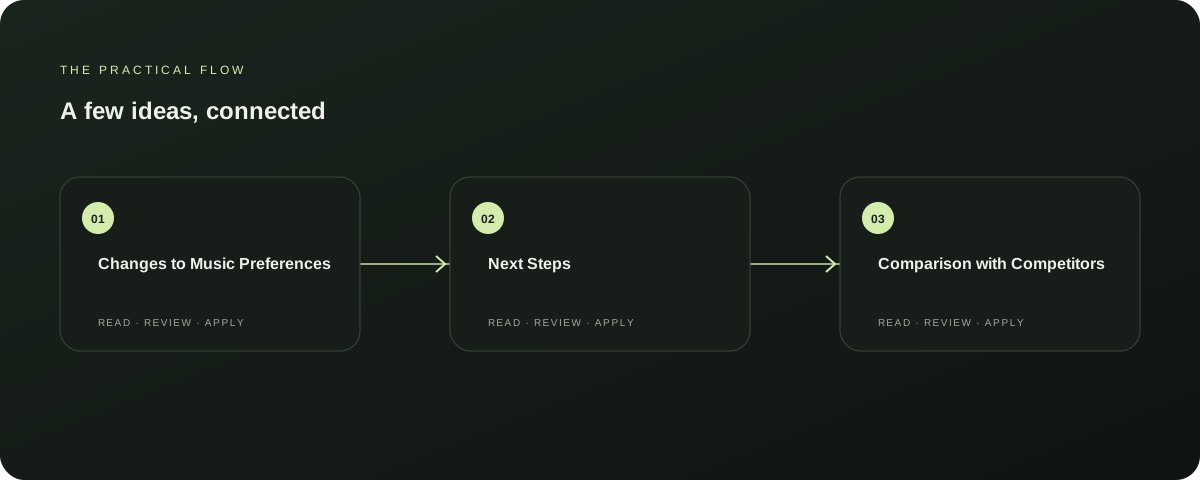
Changes to Music Preferences
Earlier, the `musicPreferencesRequest` did not include a `retry` parameter, leading to sync errors. This update now includes the `retry` parameter, allowing for better handling of sync errors and retrying failed attempts.
Explore this section
The `save` function has also been updated to include the `retry` parameter, ensuring that failed syncs can be retried. This improvement enhances the reliability of the music preferences feature, making it more user-friendly and less prone to sync errors. Explore AutoFeed for a related Relay workflow. Further reading: Relay Solutions release notes: Updating User Music Preferences
Next Steps
Users can now expect smoother and more reliable music preferences updates. To ensure the best experience, it is recommended to regularly check for updates and to handle any sync errors that may occur.
Explore this section
This update is a valuable addition to the Relay Solutions suite, providing users with a more stable and efficient music preferences management tool. Further reading: Relay Solutions release notes: Updating User Music Preferences
Comparison with Competitors
Compared to competitors, Relay Solutions' approach to handling sync errors and retrying failed attempts is more comprehensive. While competitors may also have similar features, Relay Solutions' update is specifically designed to enhance the user experience and reliability of the music preferences feature.
Explore this section
This makes Relay Solutions a standout choice for users seeking a more stable and efficient music preferences management tool. Further reading: Relay Solutions release notes: Updating User Music Preferences
Limitations
While this update significantly improves the reliability of the music preferences feature, it is important to note that the `retry` parameter is not a substitute for proper user management practices. Users should also ensure that their internet connection is stable and that their device is compatible with the latest software updates.
Explore this section
This update is a useful product enhancement, but it is not a cure-all solution for all potential issues. Further reading: Relay Solutions release notes: Updating User Music Preferences
Conclusion
Relay Solutions has taken a significant step towards enhancing the reliability and user-friendliness of its music preferences feature. By updating the `musicPreferencesRequest` and `save` functions to include the `retry` parameter, Relay Solutions has provided users with a more stable and efficient tool for managing their music preferences.
Explore this section
This update is a valuable addition to the Relay Solutions suite and is a useful product update for users seeking a more reliable and user-friendly music preferences management experience. Further reading: Relay Solutions release notes: Updating User Music Preferences
Prepared with Qwen from the sources linked throughout this guide. Follow the citations to review original material.
Sources & further reading
Explore the original guidance and research behind this article.
Put the idea into practice.
Explore AutoFeed, or take a look inside a sample workspace.