
Relay Solutions: Enhancing Your Editing Experience with New UI Buttons
Relay Solutions has updated its Mobile Editor UI, introducing three new buttons: 'Done editing layer', 'Duplicate', and 'Delete'. These changes streamline the editing process, making it more efficient
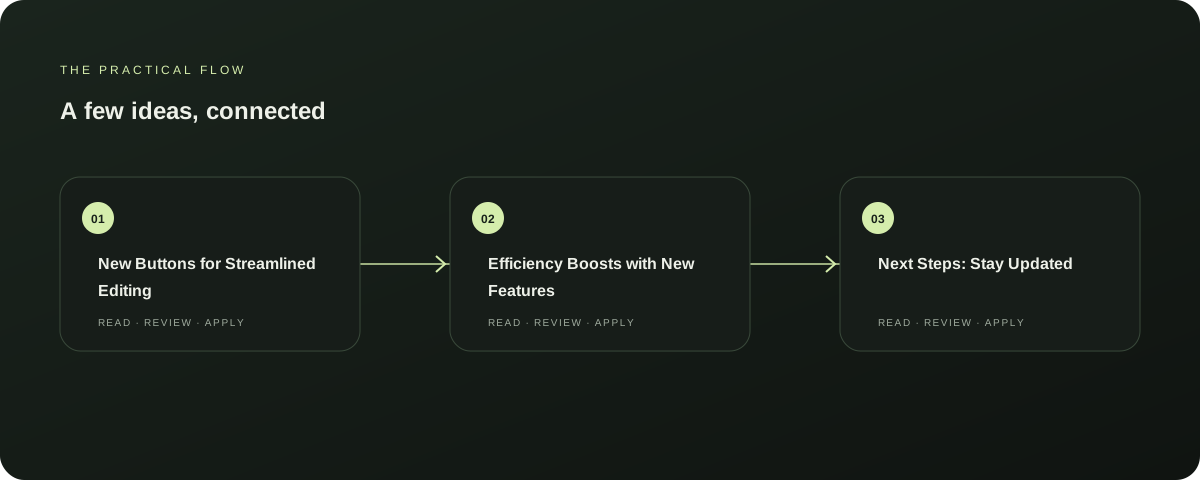
New Buttons for Streamlined Editing
Relay Solutions has enhanced its Mobile Editor UI with three new buttons: 'Done editing layer', 'Duplicate', and 'Delete'. These additions make the editing process smoother and more efficient, particularly useful for collaborative projects. Further reading: Relay Solutions release notes: Mobile Editor UI Update
Efficiency Boosts with New Features
The 'Done editing layer' button simplifies the process of saving changes, ensuring that the latest updates are saved without the need for multiple steps. The 'Duplicate' button allows for easy copying of content, saving time and reducing errors.
Explore this section
The 'Delete' button provides a quick way to remove unwanted changes, maintaining the integrity of the document. Further reading: Relay Solutions release notes: Mobile Editor UI Update
Next Steps: Stay Updated
These updates are available immediately and can be accessed through the Relay Solutions app. To fully benefit from these improvements, users should ensure their app is up to date.
Explore this section
For users looking to compare with competitors, Relay Solutions offers a competitive edge with its user-friendly interface and efficient editing tools. Further reading: Relay Solutions release notes: Mobile Editor UI Update
Limitations and Considerations
While these changes significantly enhance the editing experience, users should be aware of the following limitations: The 'Done editing layer' button is only available in the Mobile Editor UI and may not be accessible in other apps. Additionally, the 'Duplicate' and 'Delete' buttons are specific to the Mobile Editor and may not be applicable in other Relay apps. Further reading: Relay Solutions release notes: Mobile Editor UI Update
Conclusion
Relay Solutions' recent UI update not only streamlines the editing process but also enhances the overall user experience. By incorporating these new buttons, Relay Solutions continues to lead in the field of digital communication tools, offering a more efficient and user-friendly interface. Further reading: Relay Solutions release notes: Mobile Editor UI Update
Prepared with Qwen from the sources linked throughout this guide. Follow the citations to review original material.
Sources & further reading
Explore the original guidance and research behind this article.
Put the idea into practice.
Explore AutoFeed, or take a look inside a sample workspace.