
AutoFeed Mobile UI Update Streamlines On‑the‑Go Content Creation
Relay’s AutoFeed mobile UI now forces a black start screen, adds instant text editing, new style buttons and a shortcut Add element panel, helping small teams create posts faster on phones.
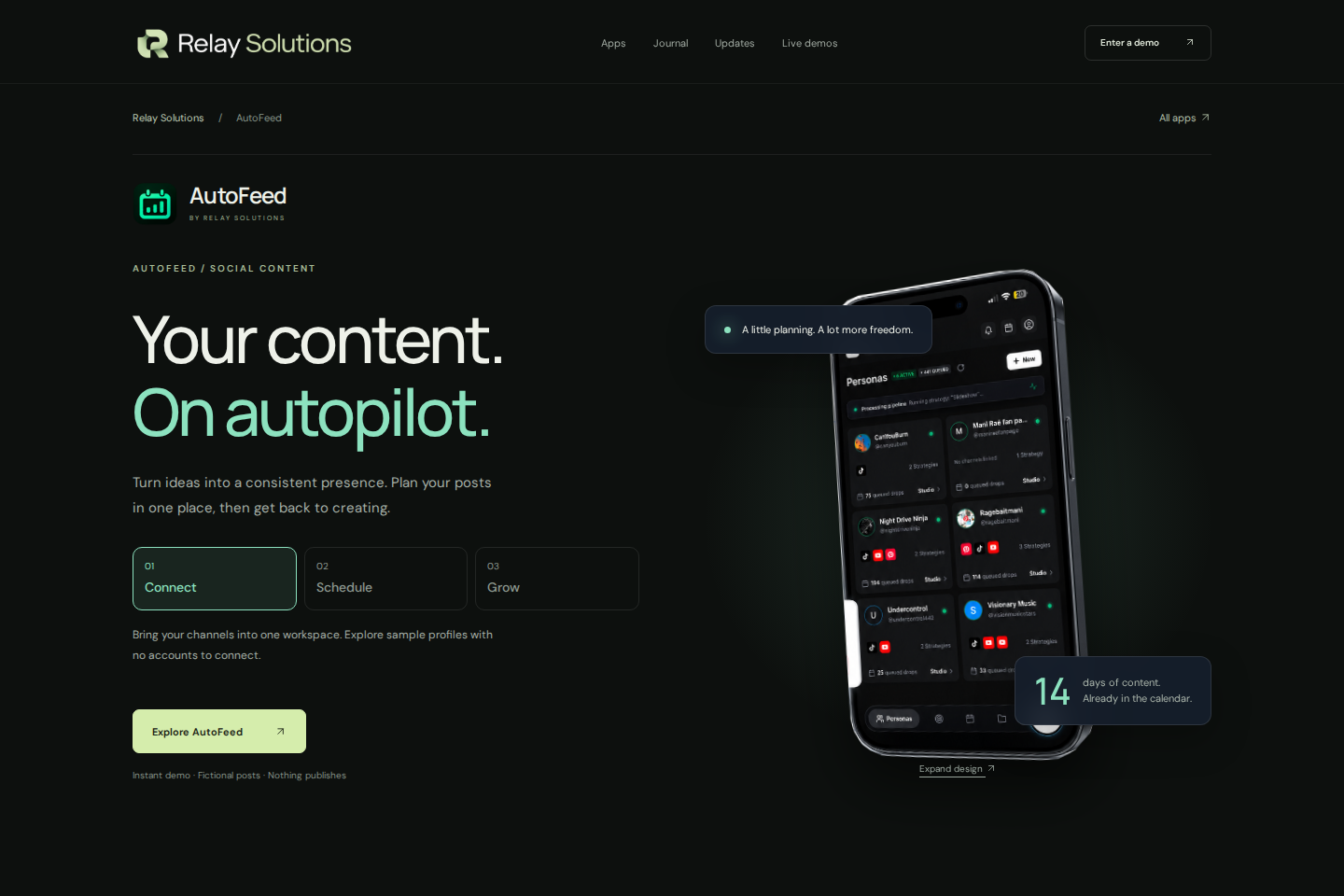
AutoFeed mobile UI update: a clearer canvas
The mobile strategy editor now uses black around the canvas, including the phone safe areas. Tool settings open in a compact bottom panel without a blurred backdrop.
Explore this section
This keeps the canvas visible while you choose a setting, so you can judge the result in context. Explore AutoFeed for a related Relay workflow. Further reading: Relay Solutions release notes: AutoFeed Mobile UI Enhancements
Add the elements your strategy needs
Open Add element for Live Sourcing, File Browser, text, synced lyrics, song reveal or a part number. Live Sourcing opens the source settings for a new media layer.
Explore this section
Select an existing media layer and choose Source to adjust its search, channel, specific video or folder settings. Further reading: Relay Solutions release notes: AutoFeed Mobile UI Enhancements
Edit text without losing its role
Text changes appear immediately, and Enter can add a line break. Use Done to finish editing.
Explore this section
The outlined A toggles a three-pixel stroke. White Brat and Black Brat live inside text styling; applying either preserves the wording and keeps an ordinary hook separate from synced lyrics. Further reading: Relay Solutions release notes: AutoFeed Mobile UI Enhancements
Select a layer for focused controls
Bottom tool cards appear when a layer is selected. They include Delete and Duplicate alongside the relevant text or media settings.
Explore this section
Tap outside the layer to deselect it. Filters open colour effects, including Black & White, while Position keeps geometry and media fitting controls together. Further reading: Relay Solutions release notes: AutoFeed Mobile UI Enhancements
Try the changes on a saved strategy
Relay publishes this product update from its deployed release notes. Open a strategy, select a layer and check its wording, source and appearance before saving.
Explore this section
These interface changes make controls easier to reach; they do not remove the need to preview your work before scheduling content. Further reading: Relay Solutions release notes: AutoFeed Mobile UI Enhancements
Prepared with Qwen from the sources linked throughout this guide. Follow the citations to review original material.
Sources & further reading
Explore the original guidance and research behind this article.
Put the idea into practice.
Explore AutoFeed, or take a look inside a sample workspace.