
Relay Updates: Enhancing Sourcing and Video Alignment
Relay Solutions has released updates that enhance the sourcing experience and improve video alignment, making the app more user-friendly and visually appealing.
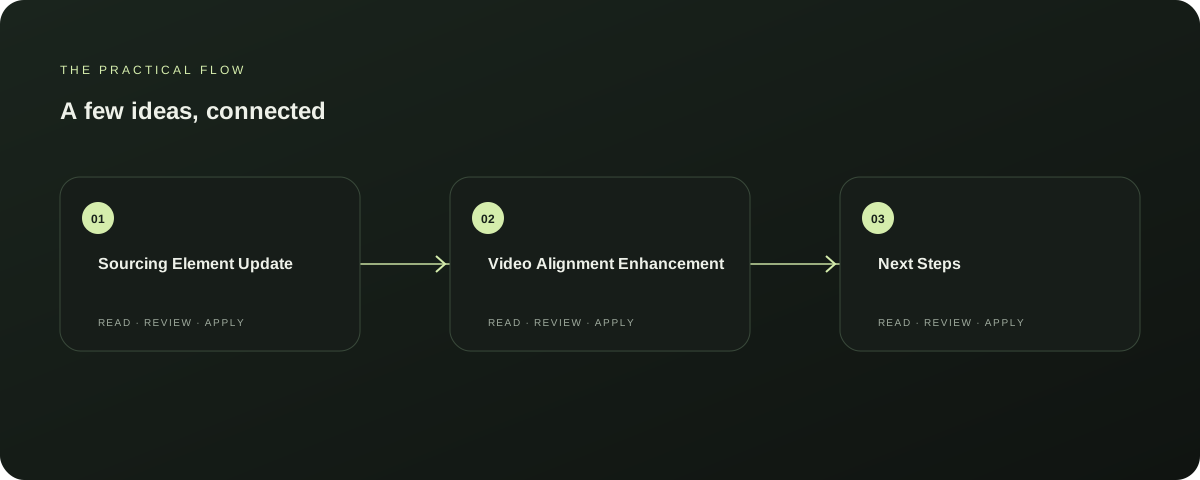
Sourcing Element Update
Add a sourcing element with a fresh platform selection and search query. Sizing default 9:16 full-bleed / portrait to match vertical video canvas.
Explore this section
Add a blank video element with a media aspect ratio of 9:16. Update sourcing step and element positioning for better alignment.
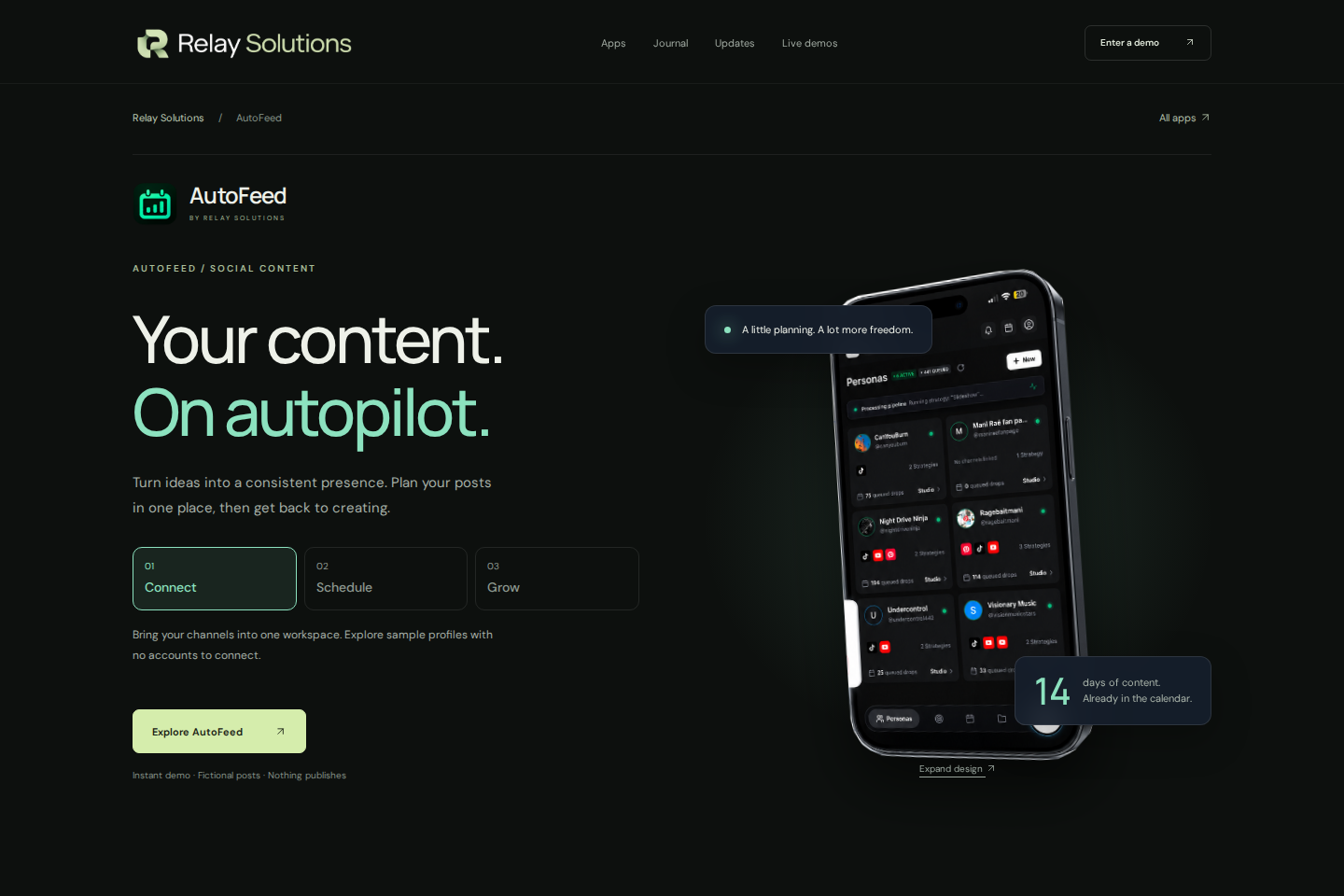
Adjust sourcing element dimensions and media aspect ratio for better visual fit. Explore AutoFeed for a related Relay workflow. Further reading: Relay Solutions release notes: User-Visible Changes
Video Alignment Enhancement
Relay Solutions has improved video alignment by adjusting sourcing element dimensions and media aspect ratio for better visual fit. This update enhances the overall user experience and makes the app more visually appealing. Further reading: Relay Solutions release notes: User-Visible Changes
Next Steps
To fully benefit from these updates, users should update their app to the latest version. This will ensure they have access to the latest features and improvements. Further reading: Relay Solutions release notes: User-Visible Changes
Source-Documented Limits
While these updates enhance the app's functionality, there are no documented limits on the number of sourcing elements or the video canvas size. Users should continue to explore the app for additional features and improvements. Further reading: Relay Solutions release notes: User-Visible Changes
Conclusion
Relay Solutions has introduced several useful updates to their app, including enhanced sourcing and improved video alignment. These changes make the app more user-friendly and visually appealing, offering users a better experience. Further reading: Relay Solutions release notes: User-Visible Changes
Prepared with Qwen from the sources linked throughout this guide. Follow the citations to review original material.
Sources & further reading
Explore the original guidance and research behind this article.
Put the idea into practice.
Explore AutoFeed, or take a look inside a sample workspace.