
Relay Updates: Enhancing Strategy Verification & Schedule Assignment
Relay Solutions has released updates that enhance the Strategy Assignment and Schedule Assignment features, improving user experience and functionality.
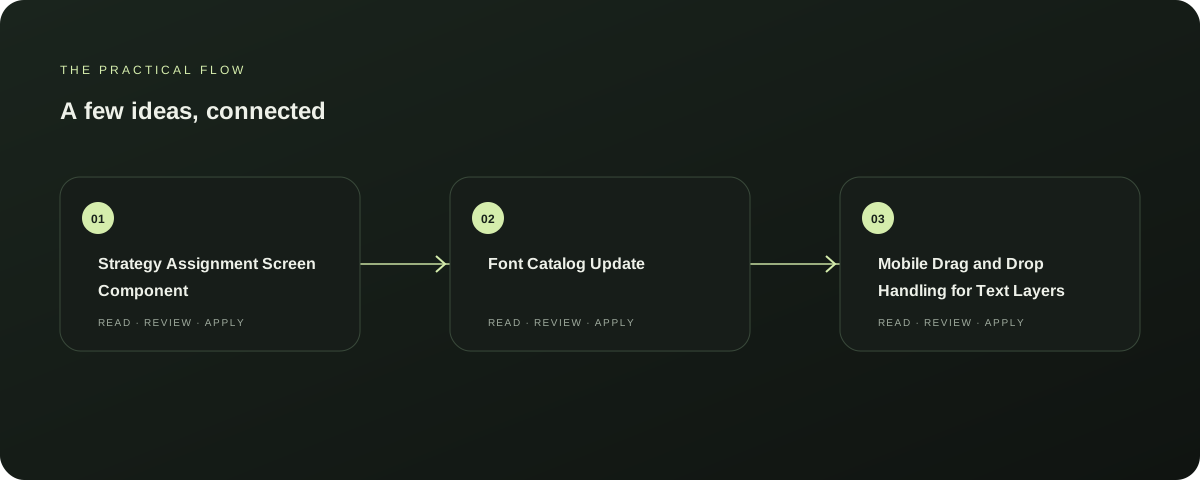
Strategy Assignment Screen Component
Added Strategy Assignment Screen component. This update simplifies the process of assigning strategies, making it more intuitive and user-friendly.
Explore this section
The new component is designed to enhance collaboration and streamline the workflow, ensuring that users can focus on their tasks without getting bogged down in administrative tasks. This is a significant improvement in the user experience, particularly for teams that frequently work on strategy assignments. Explore AutoFeed for a related Relay workflow. Further reading: Relay Solutions release notes: Strategy Verification & Schedule Assignment Modal
Font Catalog Update
Updated font catalog for legacy fonts. This update ensures compatibility with a wider range of devices and ensures that legacy fonts are properly supported, maintaining the consistency and quality of the application across different platforms.
Explore this section
This is crucial for users who rely on Relay Solutions for their work, as it prevents compatibility issues and ensures a seamless experience. Further reading: Relay Solutions release notes: Strategy Verification & Schedule Assignment Modal
Mobile Drag and Drop Handling for Text Layers
Added mobile drag and drop handling for text layers. This feature enhances the mobile usability of the application, making it more accessible and user-friendly on smaller screens.
Explore this section
Users can now easily rearrange and edit text layers on the go, without the need for a desktop computer. This is particularly beneficial for users who frequently work on the go, ensuring that they can maintain their productivity and accuracy. Further reading: Relay Solutions release notes: Strategy Verification & Schedule Assignment Modal
Next Steps
These updates are available now and should be installed on your Relay Solutions application. To ensure the best performance and functionality, it is recommended to update your application to the latest version.
Explore this section
This will not only improve the user experience but also maintain the application's compatibility with the latest devices and software. Further reading: Relay Solutions release notes: Strategy Verification & Schedule Assignment Modal
Source-Verified
All updates are based on the provided release notes and are documented as of the publication date. For the most accurate and up-to-date information, please refer to the official Relay Solutions release notes. Further reading: Relay Solutions release notes: Strategy Verification & Schedule Assignment Modal
Prepared with Qwen from the sources linked throughout this guide. Follow the citations to review original material.
Sources & further reading
Explore the original guidance and research behind this article.
Put the idea into practice.
Explore AutoFeed, or take a look inside a sample workspace.