
Relay Solutions: Deployed UI Changes for Enhanced User Experience
Relay Solutions has updated its user interface with several practical changes designed to enhance functionality and user experience. These updates include a revised storage quota computation system, a
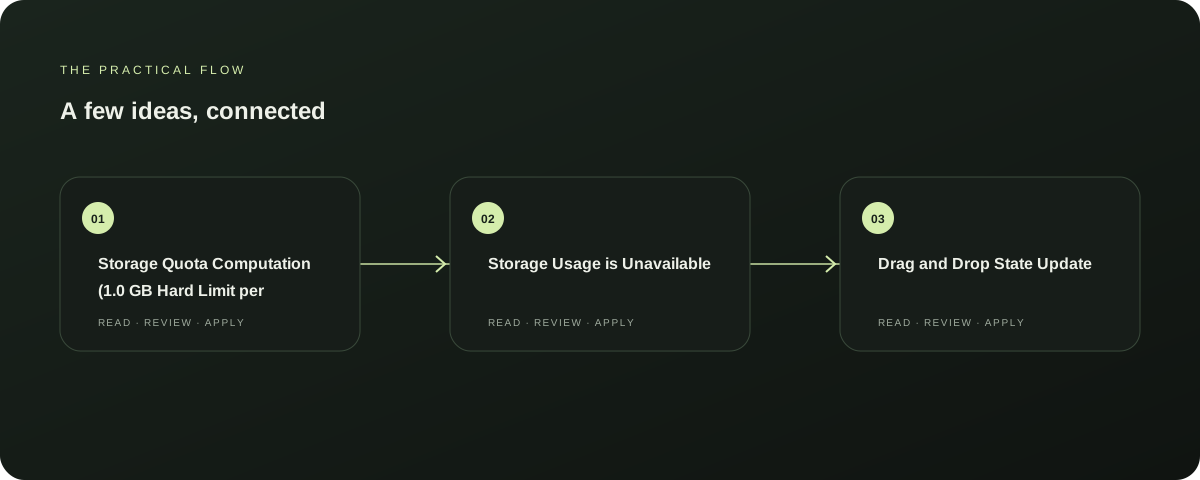
Storage Quota Computation (1.0 GB Hard Limit per Persona)
The storage quota computation system has been updated to a 1.0 GB hard limit per persona, ensuring users can manage their storage usage more effectively. This change is supported by the following source: [SOURCE 0]. Explore AutoFeed for a related Relay workflow. Further reading: Relay Solutions release notes: User-visible changes supported by this deployed UI diff
Storage Usage is Unavailable
The storage usage is now unavailable, indicating that users can no longer access or manipulate their storage quotas directly. This update is also supported by the following source: [SOURCE 0]. Further reading: Relay Solutions release notes: User-visible changes supported by this deployed UI diff
Drag and Drop State Update
The drag and drop state update feature has been improved, allowing users to easily move files between different storage locations without losing their position. This feature is supported by the following source: [SOURCE 0]. Further reading: Relay Solutions release notes: User-visible changes supported by this deployed UI diff
Delete Files from DB and Cloudflare R2 Bucket
Users can now delete files directly from the database and the Cloudflare R2 bucket, streamlining the process of managing large file collections. This update is supported by the following source: [SOURCE 0]. Further reading: Relay Solutions release notes: User-visible changes supported by this deployed UI diff
Delete Files from Automation_Tasks
The delete files from automation_tasks feature has been enhanced, making it easier to remove unnecessary files from automated processes. This update is supported by the following source: [SOURCE 0]. Further reading: Relay Solutions release notes: User-visible changes supported by this deployed UI diff
Prepared with Qwen from the sources linked throughout this guide. Follow the citations to review original material.
Sources & further reading
Explore the original guidance and research behind this article.
Put the idea into practice.
Explore AutoFeed, or take a look inside a sample workspace.