AI in social content: keep the workflow, disclose the source
As platforms expand AI transparency features, creators need a content process that stays useful, original and clear about synthetic media.
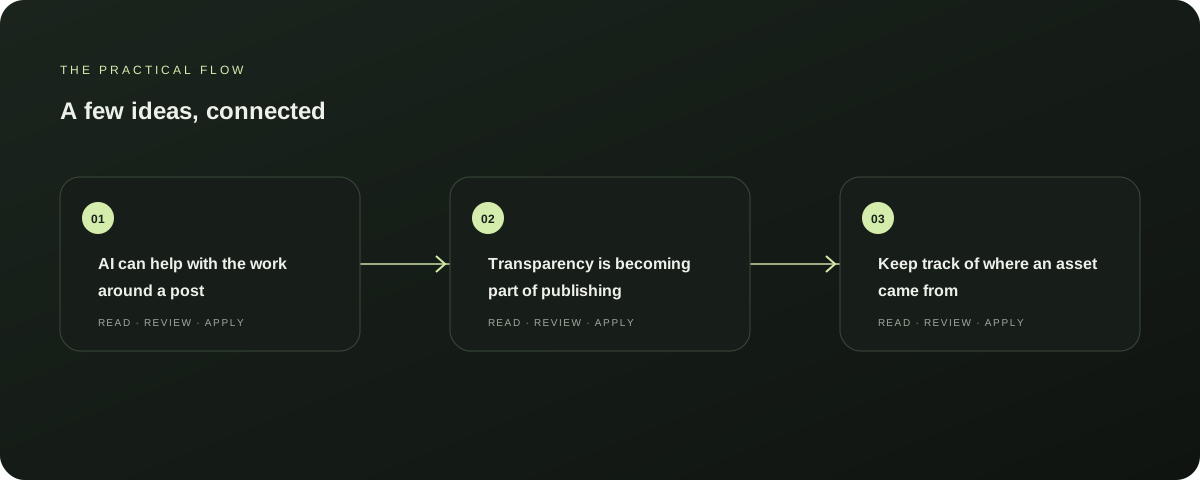
AI can help with the work around a post
Generative tools can help organise a brief, propose variations and prepare a first draft. Editorial choices still matter: whether the claim is correct, whether the image fits the story and whether the post sounds like the person publishing it.
Explore this section
A queue of outputs is not the same as a useful social presence.
Transparency is becoming part of publishing
Platforms are adding ways to identify AI-generated or edited media. Meta says it uses industry-standard signals and creator disclosures as part of its approach to AI information labels.
Explore this section
In July 2026, Meta said it would sign the EU AI Act Code of Practice on transparency of AI-generated content. Requirements and labels can vary by format, platform and region. Read Meta’s update.
Keep track of where an asset came from
When AI creates or substantially alters an image, save the source file, tool and edit notes with the draft. Preserve provenance metadata when a tool provides it.
Explore this section
Check the platform’s current disclosure controls before publishing and disclose synthetic media where required. Your workflow should make it possible to answer “how was this made?” later. Further reading: Meta AI transparency update, July 2026
Make the review concrete
Before approving a scheduled post, check its claims, media rights, disclosure needs, accessible text and destination link. Ask whether the caption actually describes the visual, then preview the post in its intended format.
Explore this section
A specific checklist can make this review brief without making it superficial.
Use the calendar to create rhythm, not noise
A calendar should show what is planned and where it will appear. It should also leave room to respond to people and to skip a post that no longer fits.
Explore this section
Note which ideas led to useful discussion and bring those questions into the next content brief. Consistency matters when the work remains relevant.
A practical AutoFeed workflow
Keep the brief, draft, source, review and schedule visible in one process. AutoFeed’s sample workspace illustrates how personas and planned posts can sit in a calendar.
Explore this section
Its example profiles are disconnected and the sample content cannot publish; they demonstrate the layout, not real account results.
Sources & further reading
Explore the original guidance and research behind this article.
Put the idea into practice.
Explore AutoFeed, or take a look inside a sample workspace.