
Email automation in 2026: relevance, trust and the rules that matter
Inbox requirements and enforcement are changing. A practical guide to building smaller, more relevant outreach workflows with clear stop points.
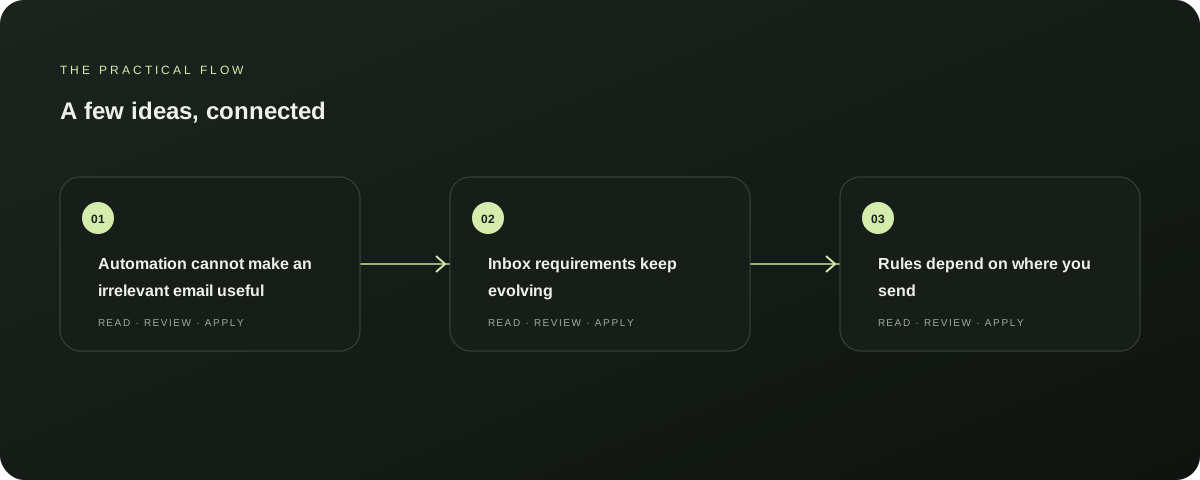
Automation cannot make an irrelevant email useful
An outreach workflow can save time by organising research, drafts and reminders. It can also scale a weak message quickly.
Explore this section
Start with a simple test: can you explain why this recipient is a sensible person to contact and why the message might matter to them? If the answer relies on a guess or generic flattery, improve the inputs before increasing volume.
Inbox requirements keep evolving
Google asks senders to authenticate messages, keep spam rates low and make unwanted mail easy to stop. Gmail’s requirements for bulk senders include SPF, DKIM and DMARC authentication and one-click unsubscribe for applicable promotional messages.
Explore this section
Google says it is increasing enforcement on non-compliant traffic from November 2025. Requirements depend on message type and volume; check Google’s current sender guidelines before planning a campaign. Further reading: FTC CAN-SPAM compliance guide
Rules depend on where you send
Requirements are not universal. In the United States, the FTC says CAN-SPAM covers commercial messages, including business-to-business email, and outlines requirements such as accurate headers, a valid postal address and an opt-out method.
Explore this section
Other jurisdictions have their own rules, including different approaches to consent and direct marketing. Read the relevant regulator’s guidance and get qualified advice for your situation. FTC: CAN-SPAM compliance guide.
Build stop conditions before follow-ups
A responsible workflow should stop when someone replies or opts out, when an address bounces, or when a contact is unsuitable. Make the stop state visible.
Explore this section
Keep a suppression record so an opted-out person is not inadvertently re-added to another sequence. Review each recipient and message before enabling delivery, particularly while a process is new.
Automate preparation and record keeping
Useful early steps include gathering approved business information, preparing a draft for review and scheduling a reminder to check for a reply. Preserve the sources used to form a claim.
Explore this section
Never invent an observation to make a message sound personal. Track message quality and corrections, not just the number sent.
Start small, then learn
Test with a small, appropriate group and monitor delivery, replies, opt-outs and mistakes. If people are confused or messages feel out of place, pause and improve the targeting or draft.
Explore this section
A sound workflow makes good judgement repeatable and poor judgement easier to notice.
Sources & further reading
Explore the original guidance and research behind this article.
Put the idea into practice.
Explore AutoBox, or take a look inside a sample workspace.